Eozilla App
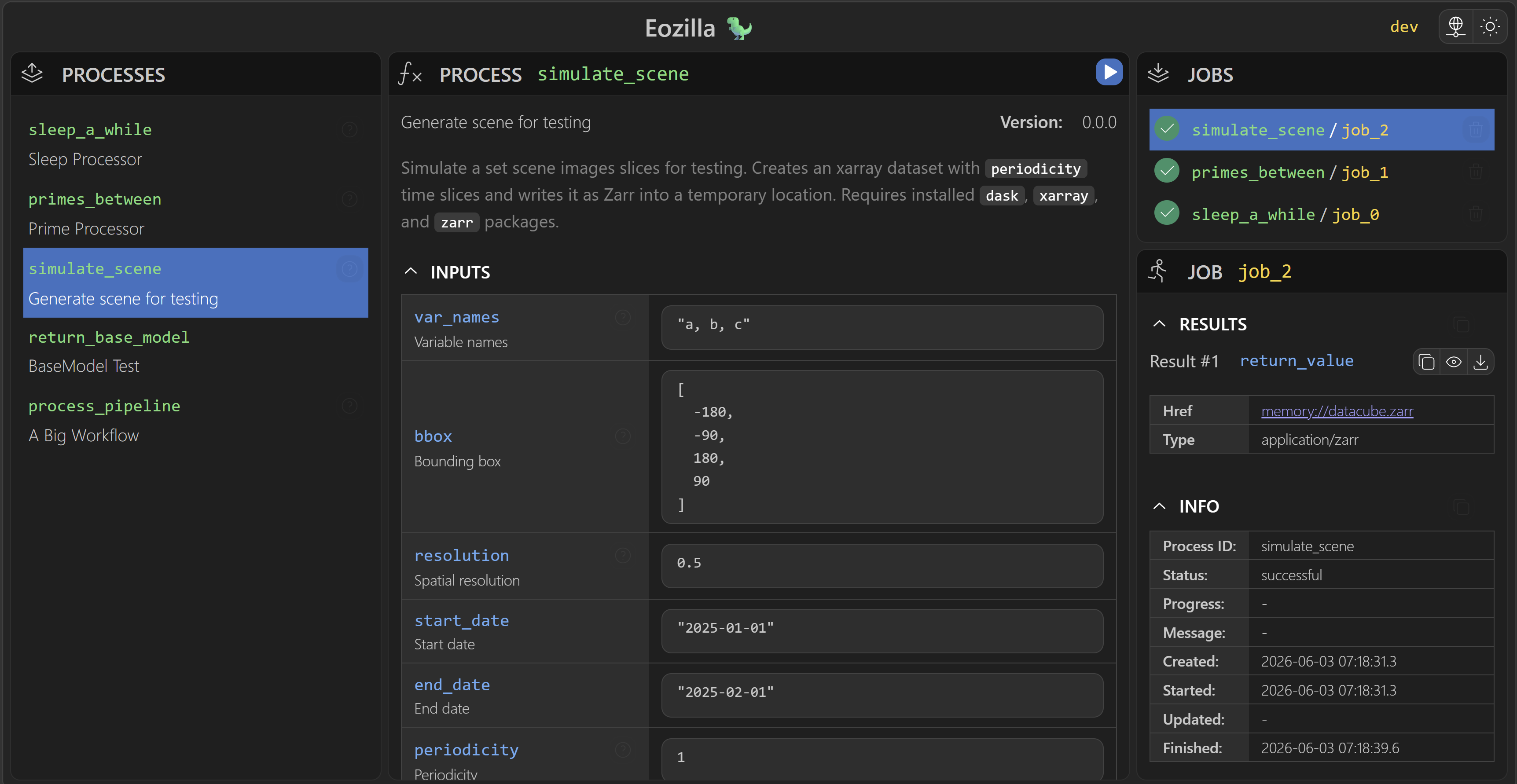
Eozilla App is the browser-based client for OGC API - Processes services. It lets users connect to a service, browse available processes, provide process inputs, submit executions, and inspect jobs and results.
Features
- Connect to OGC API - Processes services through configurable service providers.
- Browse process descriptions and submit process-execution requests.
- Review job status, outputs, results, and error tracebacks.
- Generate input forms from process schemas, including supported UI metadata.
Launching the App
Cuiman can launch Eozilla App in a browser using its configured service connection:
cuiman show-app
It can also be launched programmatically from Python:
from cuiman import Client

client = Client(...)
client.show_app()
Applications can set ClientConfig.display_name to brand notebook launch links,
browser debug messages, and server-reported launch errors. The browser app uses
the neutral label “Processing Service” for the service configured by the Python
client, and neutral fallback errors when branding is unavailable during startup.
See Cuiman customization for configuration examples.
Further Reading
- Cuiman App guide walks through launching the App, running a process, and updating its inputs from a notebook.
- Service providers and services explains connection and authentication behavior.
- Schema forms documents how process schemas are rendered as input controls.
- Dynamic expressions describes conditional schema-form behavior.
Development Workspace
For team development, Eozilla App is a separate Git repository checked out inside the Eozilla repository:
eozilla/
  eozilla-app/
This layout allows the app to use the local Eozilla development service and build directly into Cuiman. See the contribution guide for setup and development commands.
Documentation Maintenance
docs/eozilla-app/ is the canonical documentation for the app within this
workspace. Substantial changes to code in eozilla-app/ must update the
relevant page here: the overview, service-provider, schema-form, or
dynamic-expression guide.